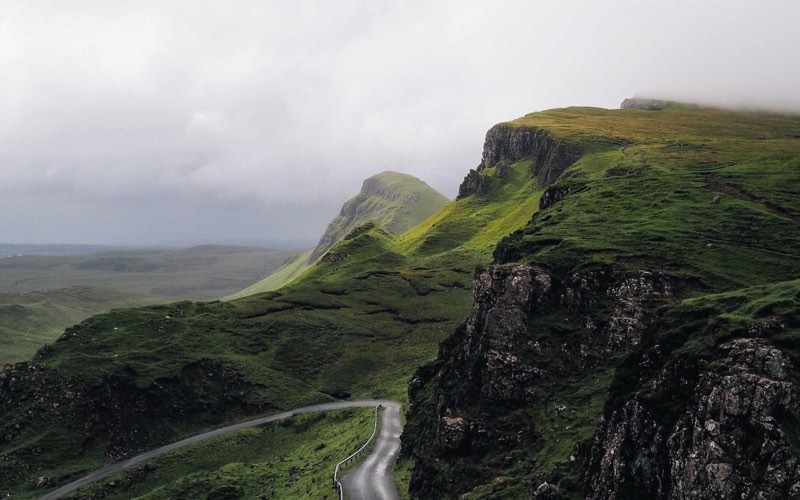
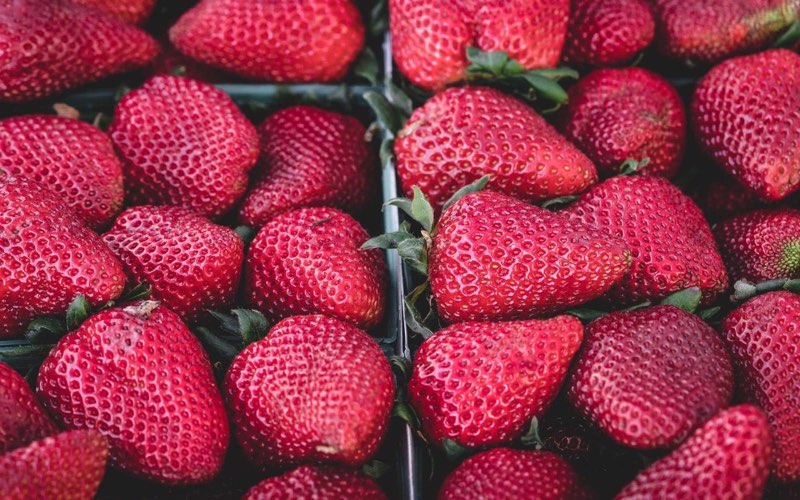
Turn a photo into a stack of prints
One photo becomes a whole pile: copies stack up behind the original, peeking out with an adjustable tilt and spacing. Add the classic white print border and a soft shadow, export on transparency or a color.
Drop images here, or click to browse
Drop one or more images to turn them into a photo stack
or paste from clipboardCtrl / ⌘ + V
JPG · PNG · WebP · GIF · BMP · AVIF
100% private — images are processed on your device and never uploaded.
How it works
- 1
Drop in the photo you want to stack.
- 2
Set the copy count, tilt angle and spacing; add the white print border if you like.
- 3
Download the stacked result — on a color or transparent background.
FAQ
Do I need to upload the photo several times?
No — the stack is generated from one image. Copies are drawn behind the original with a progressive tilt and offset, so the back prints peek out at the edges.
What does the tilt slider control?
How far the deepest copy is rotated. Copies in between interpolate, so the pile fans out smoothly. Negative values tilt the other way.
Can I use the result on any background?
Yes — choose a transparent background (PNG/WebP) and the whole pile, shadows included, drops onto any design.